A focused PDF reader
Open documents in a calm reader designed around the page—not browser chrome.

Made for Windows
Paper gathers the documents you read and the thoughts you add to them into one warm, native place—so your library feels personal again.
Read the Paper docs
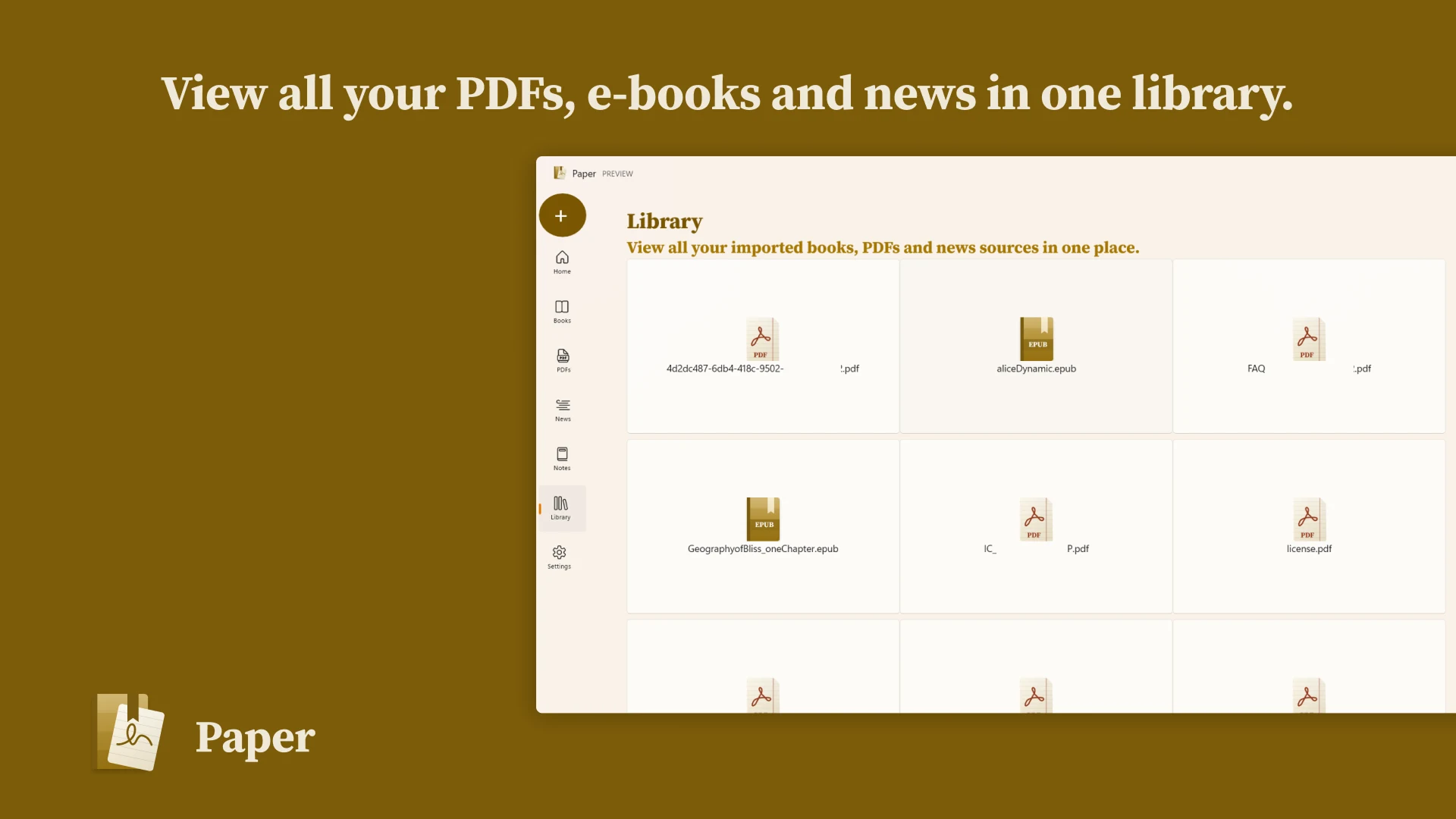
One library for PDFs and e-books
Natural ink with pen, pencil, and highlighter
At home on Windows from the first click
Inside Paper
Open documents in a calm reader designed around the page—not browser chrome.
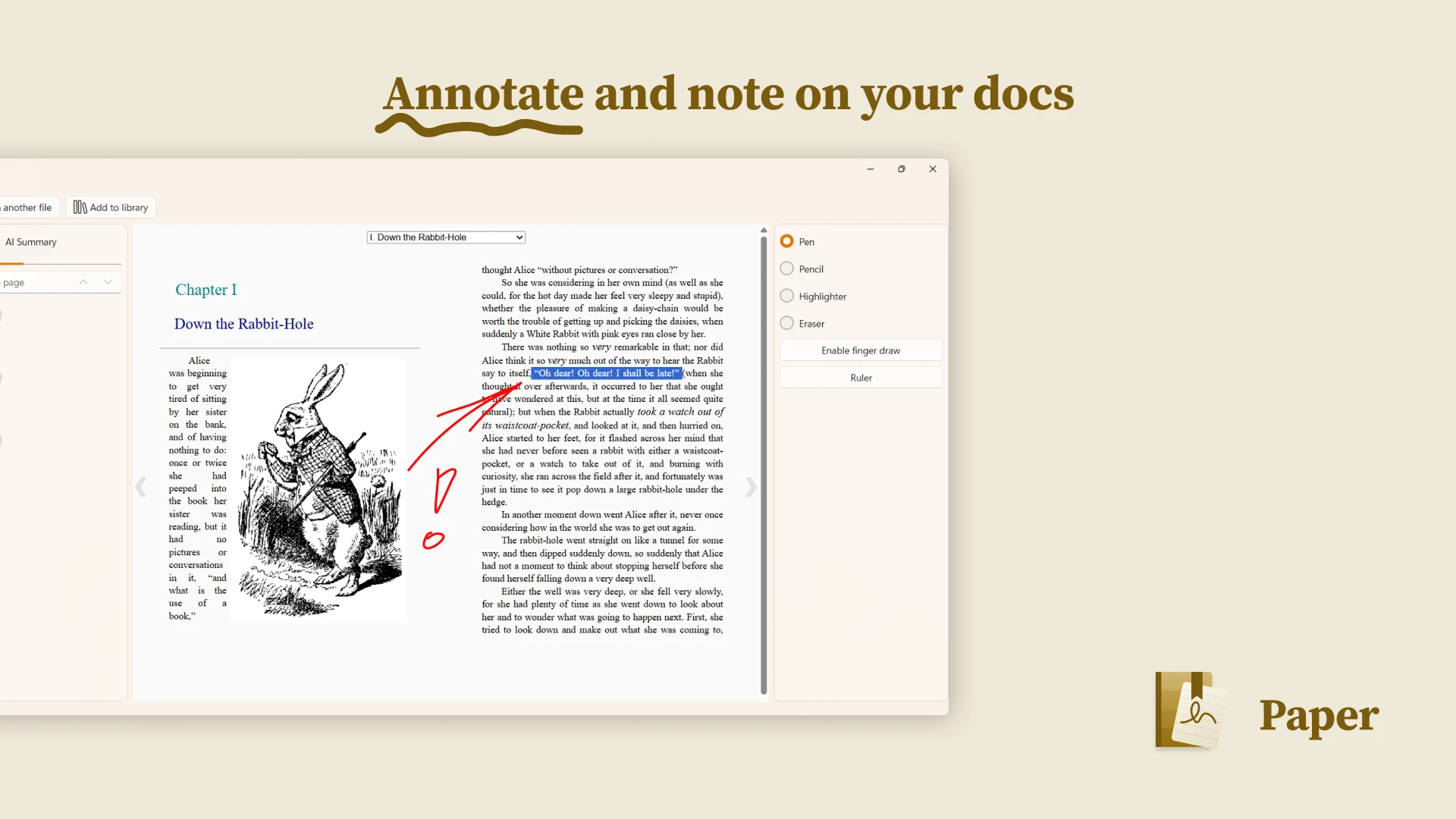
Annotate with Windows Ink using a pen, pencil, highlighter, eraser, and ruler.
Import EPUB books alongside PDFs instead of splitting your reading between apps.
Capture ideas and reading notes without breaking the thread of what you are reading.
Take annotated PDFs beyond Paper when a thought is ready to leave your library.
A native Windows experience made for mouse, keyboard, touch, and pen.
Windows Ink
Underline the sentence. Circle the detail. Leave a question in the margin. Paper is built for the familiar gestures that make a document feel understood.
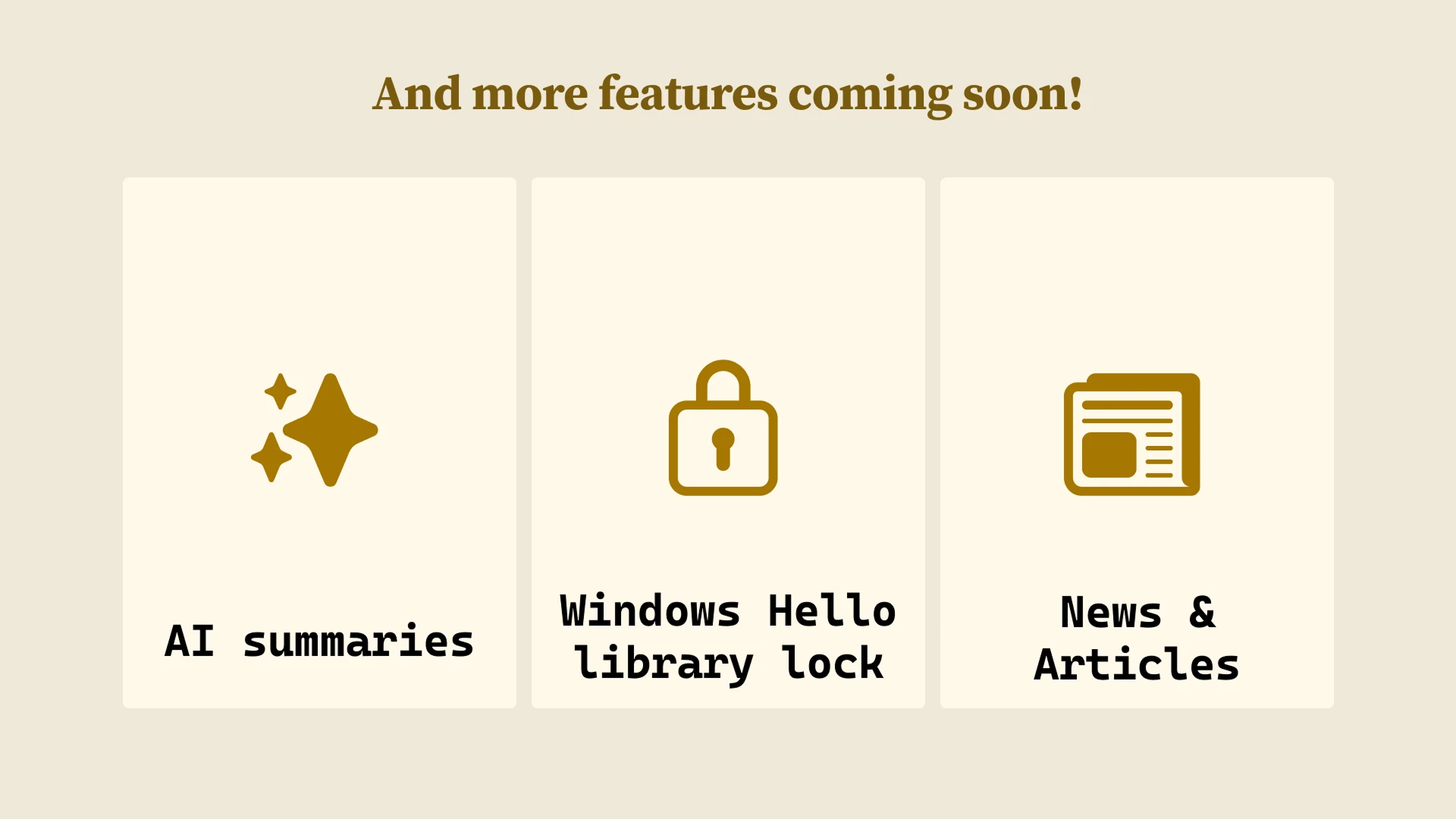
The next chapter
Features in active planning are kept separate from what you can use today.
Explore and understand your library with helpful, optional intelligence.
Put an extra layer of protection around your personal library.
Keep longer reads beside your books and documents.
Ready when you are